Display
Windowed mode and resolution
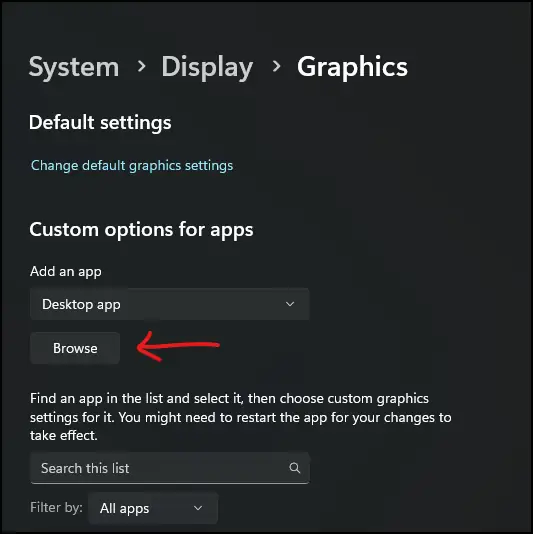
Windowed mode is a toggle, not a mod. The Support FAQ says Ctrl+O opens the D2GL menu and Alt+Enter flips fullscreen. The launcher options include -w and a “show window borders” switch. Borders can stutter. Turn them off if the frame time gets worse.
I looked for a maximum resolution and did not find one. Writing “up to 4K” would be a guess. The FAQ’s real warning is about the resolution menu itself: do not click through it quickly. Wait a second or two between attempts.
Turn windowed mode on
Use one method so you know which layer won.
- In game: Alt+Enter toggles fullscreen; Ctrl+O opens the D2GL settings menu.
- Before launch: -w in the launcher options.
- Show Window Borders is optional. The FAQ says it can cause stutter. Disable it if the window feels worse than borderless.
Resolution menu crashes or shows nothing
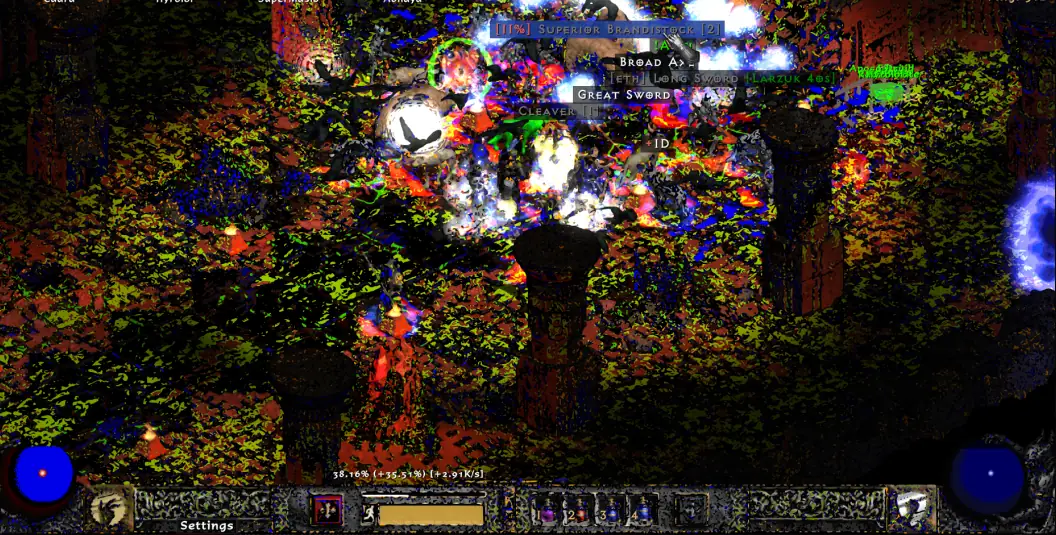
The FAQ says the menu breaks if you change options too fast. Wait one to two seconds. Try a click, then try selecting the row with the arrow keys and changing it with left and right, then try arrows plus Enter. Three different input paths are listed because each one fails differently.
Close the game and back up or rename UI.ini to reset the interface, and ddraw.ini to reset the renderer. Those files live under ProjectD2. This is the same UI.ini the mouse page resets for a stuck cursor. Multi-monitor plus windowed mode has no official note. If the cursor sticks, use that page’s list rather than a new theory.
Watch
Sven Nord walks through a legal Diablo II plus Lord of Destruction install and the PD2 launcher. Upload date (YouTube metadata, single source): 2023-12-19. How To Install Project Diablo 2 in 2024 on YouTube. The player loads only after you press play.
Questions
What is the highest resolution?
The FAQ does not publish one. I am not going to.
Ctrl+O did nothing.
That shortcut is the D2GL menu in the FAQ. If the build you installed is not using that renderer, use Alt+Enter and the launcher’s -w flag instead.
Related
Sources
Checked: 2026-10-28. Single-source claims are attributed; disagreements stay visible.
- Wiki Support FAQ — 2026-10-28 — Fetched 2026-10-28. Single official-wiki source for specific troubleshooting steps unless another source is explicitly identified. Steps were not tested in the client.